Start tracking time today
Log your hours effortlessly, stay ahead of tasks, boost productivity, and take control of your schedule!
Effortlessly manage your work hours with our intuitive tracking application. Get more done and feel at ease knowing your privacy is always protected.
Our platform offers a complete set of tools designed to improve efficiency and streamline how you track work. Discover how our innovative solutions can transform your daily operations.
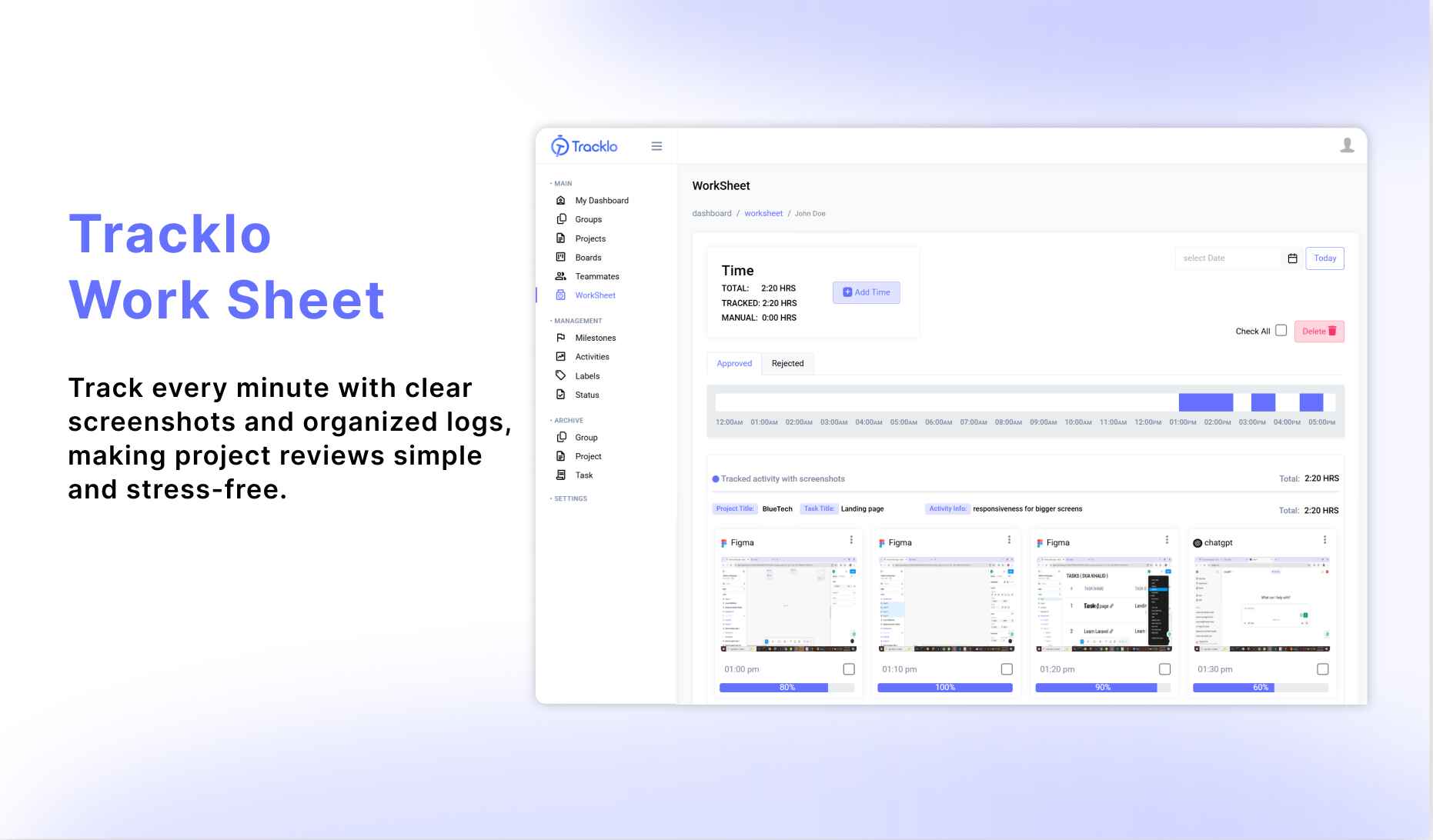
Easily record work sessions using timers, manual entries, or automatic activity capture, adapting to your unique workflow.
Assign responsibilities, follow progress, and handle approvals seamlessly, ensuring smooth teamwork for companies of any size.
Get daily, weekly, or monthly reports to monitor logged hours, analyze trends, and drive smarter decisions.
Safeguard sensitive data with options to delete screenshots and choose activity-only monitoring without compromising security.
Our application simplifies work management for both admins and employees. Enjoy seamless tracking and reporting to drive productivity.

Install Tracklo, create an account on the web, and sign in on both web and app.

Record your hours manually or start the smart timer. Admins can also track their own activity.

Admins invite employees, assign tasks, and manage team roles.

Employees complete assigned tasks and update their work status.

Admins review activity records and approve or request changes as needed.

Generate reports to review performance and optimize productivity.
Empower your team, optimize productivity, and ensure privacy with our comprehensive features.
Tracklo streamlines work management with precise tracking and team coordination, saving hours and reducing errors.
Whether you’re an admin or employee, Tracklo offers the tools you need to monitor and improve productivity seamlessly.
We prioritize user security with features like screenshot deletion to ensure privacy at all times.
Get a clear picture of how your team is doing, so you can make smart choices and keep everyone working at their best.
Tracklo grows with your business, allowing you to add team members and tasks as you scale.
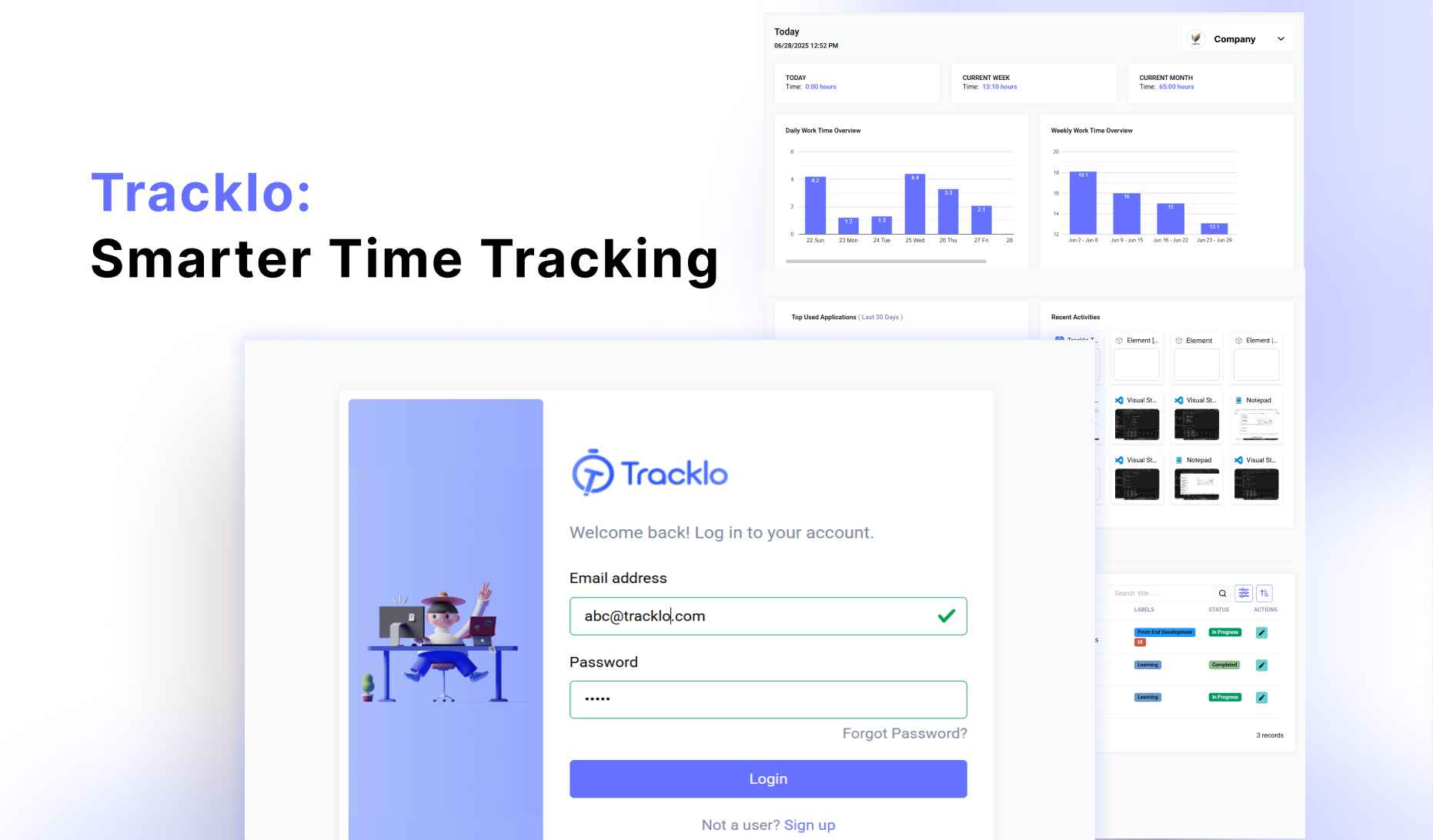
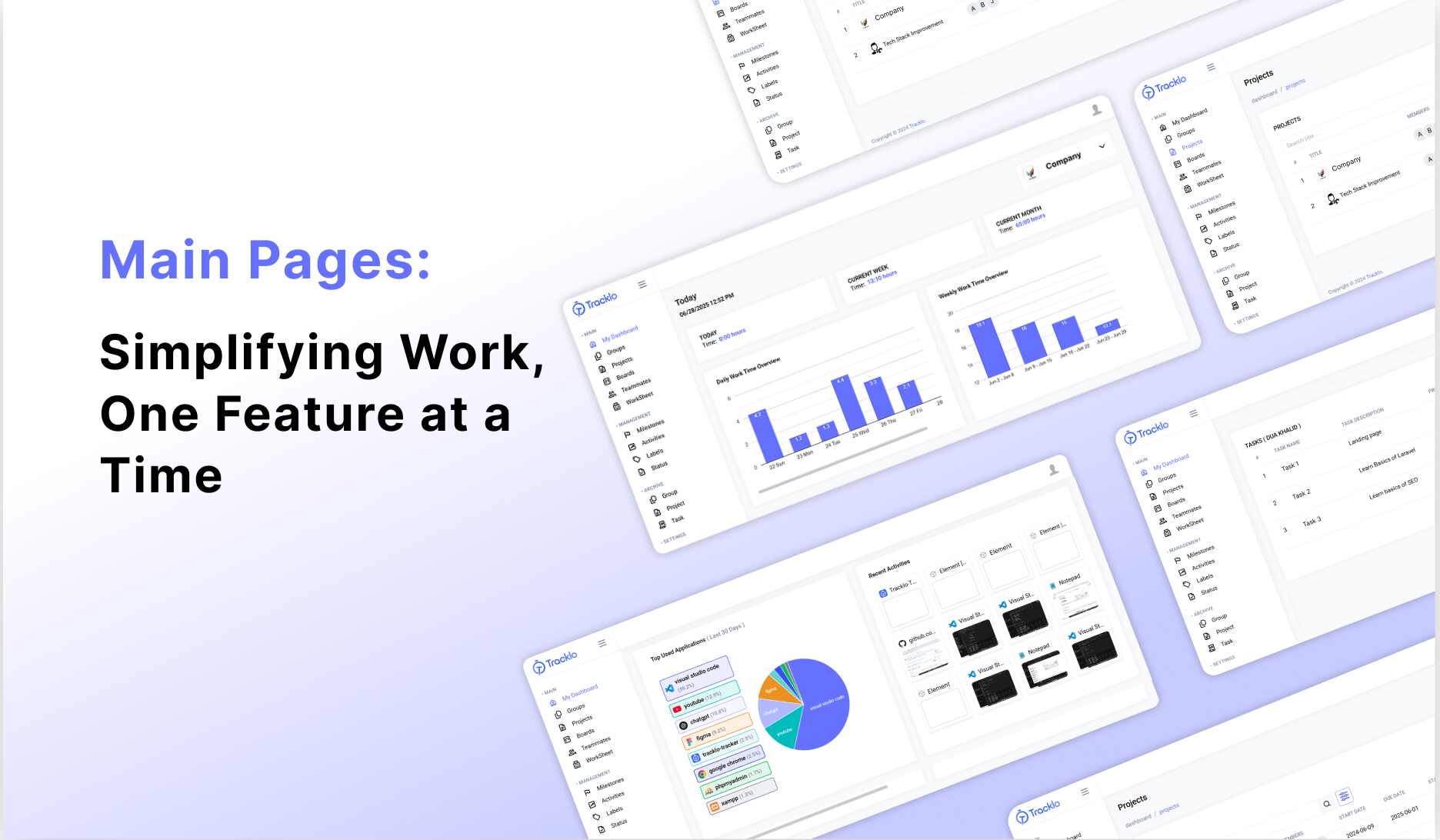
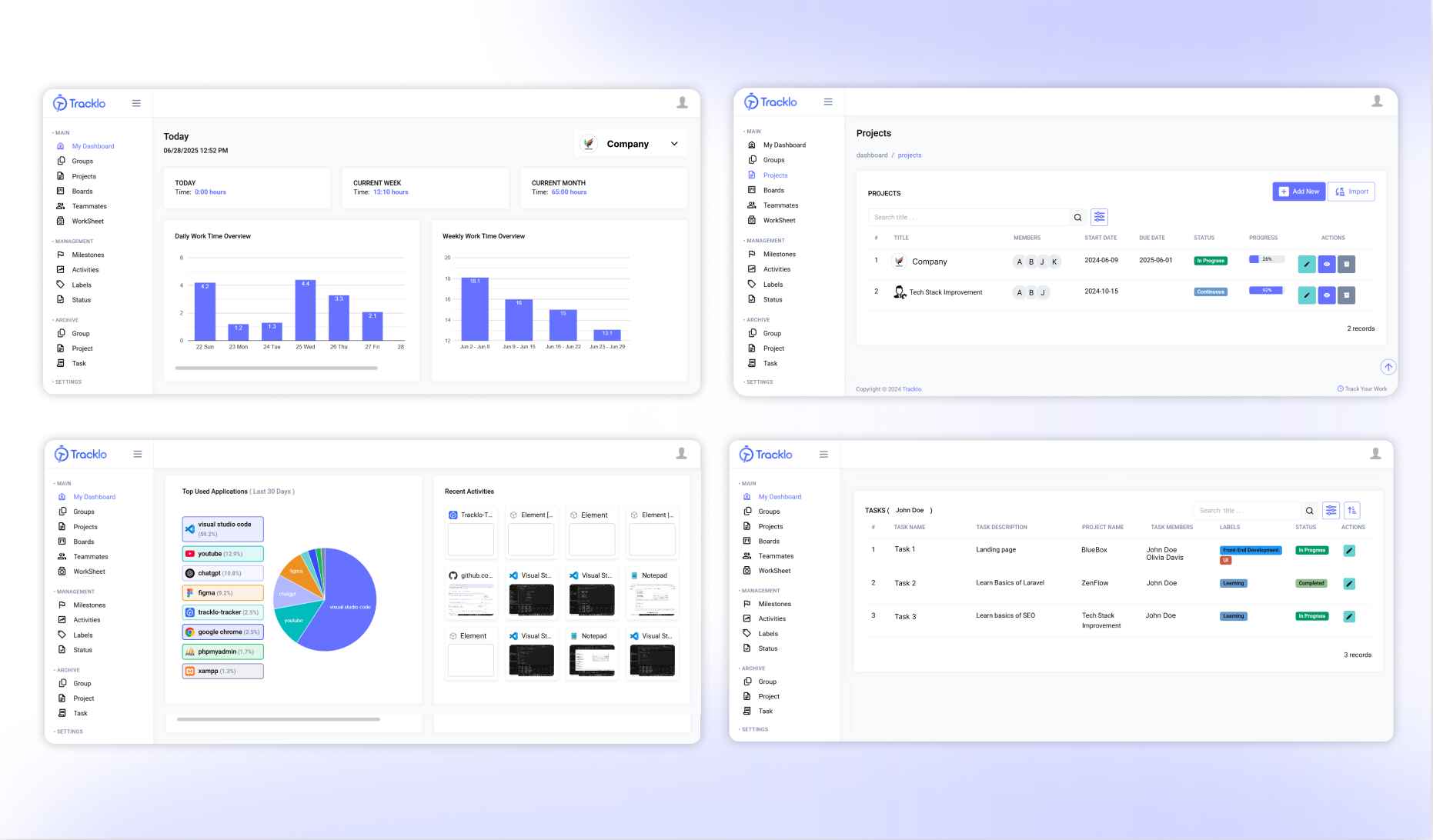
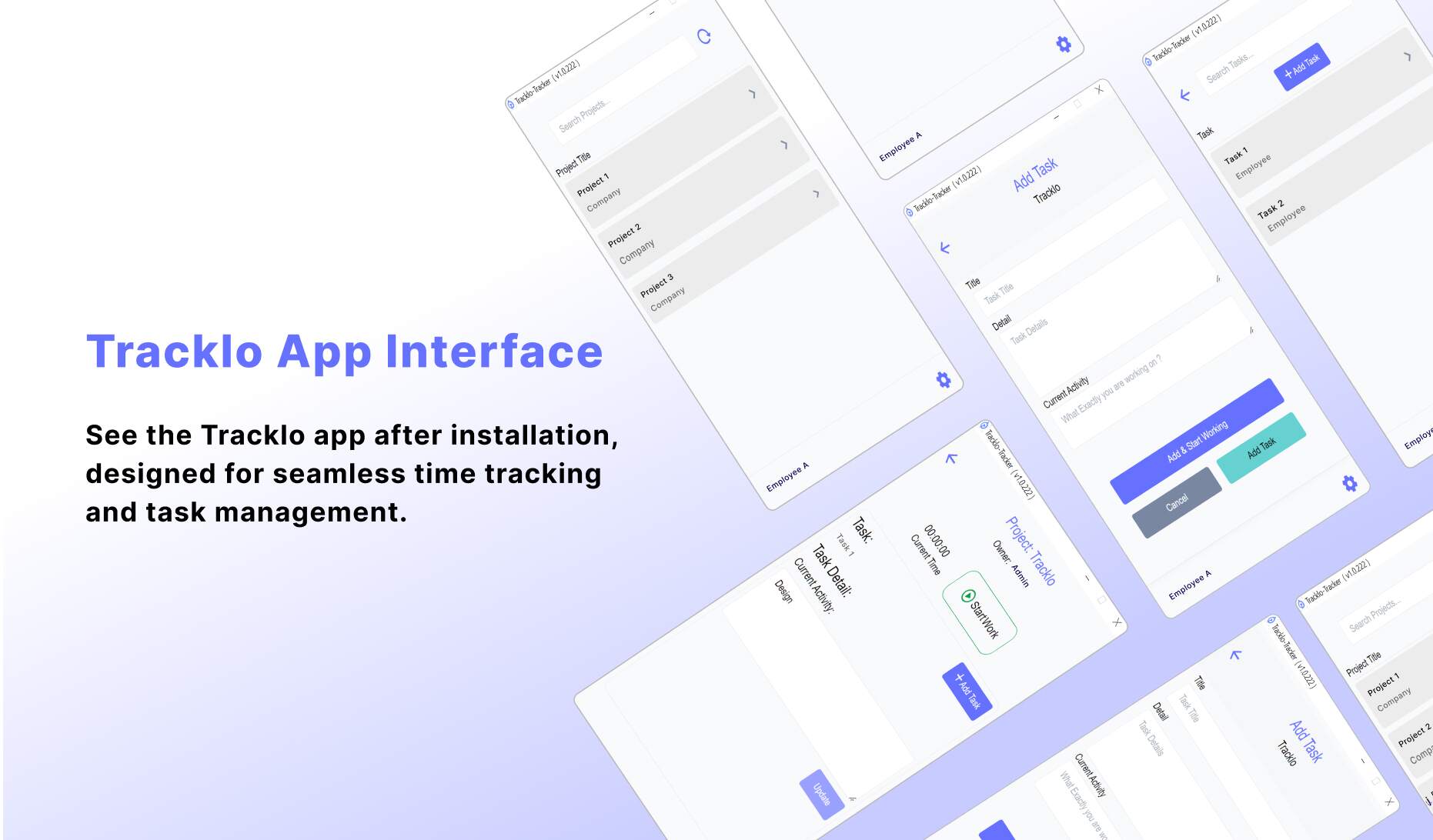
Enjoy how effortlessly you can manage tasks and check progress with our easy-to-use interface.

✔ Track time effortlessly.
✔ Manage up to 3 team members.
✔ Basic performance insights.
View All PlansLog your hours effortlessly, stay ahead of tasks, boost productivity, and take control of your schedule!